

Fundraising Challenges
Fundraising Challenges
Bonus Miles for Reaching Donation Goals
Fundraising Challenges reward your racers with bonus miles every time their personal fundraising total crosses a configured donation threshold — and again when they hit their own personal goal. Bonus miles appear in the activity feed with a thank-you message and a link to the donation that triggered them.
How it works
- A donor contributes to one of your racers.
- As soon as the racer's cumulative fundraising total crosses a tier threshold (e.g., $10, $25, $50), they earn the bonus miles assigned to that tier.
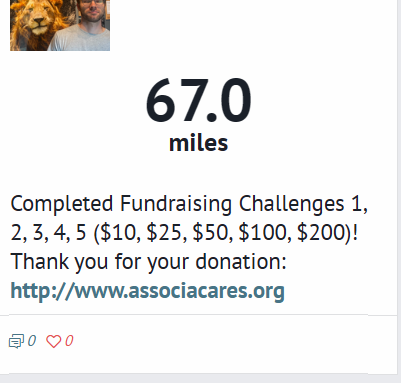
- A single activity-feed entry is created (bundled if multiple tiers are crossed in one donation): "Completed Fundraising Challenges 1, 2, 3 ($10, $25, $50)! Thank you for your donation: [link]"
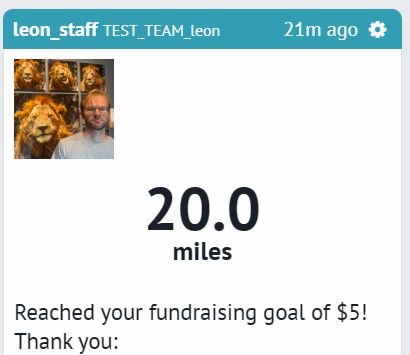
- If the same donation also pushes the racer over their personal fundraising goal (set on their fundraising page), they earn a separate "Personal Goal Reached" bonus.
- Each tier fires once per racer — later donations don't re-award already-earned tiers.
Step 1: Set up your Donation Challenge tiers
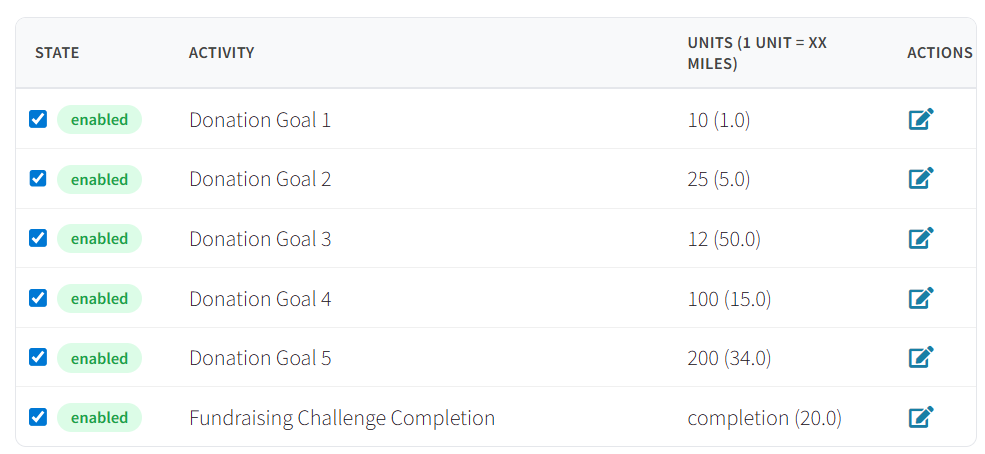
Open your race dashboard → Activity Conversions. Create one activity conversion per tier. Name each one Donation Goal 1, Donation Goal 2, etc. Enter the dollar threshold as the unit Name and the bonus in miles as the Conversion rate.
Recommended starting values (customize as you wish):
| Activity name | Unit name (threshold $) | Conversion rate (miles) |
|---|---|---|
| Donation Goal 1 | 10 | 1 |
| Donation Goal 2 | 25 | 5 |
| Donation Goal 3 | 50 | 12 |
| Donation Goal 4 | 100 | 15 |
| Donation Goal 5 | 200 | 34 |
Step 2: Set up the Fundraising Challenge Completion bonus
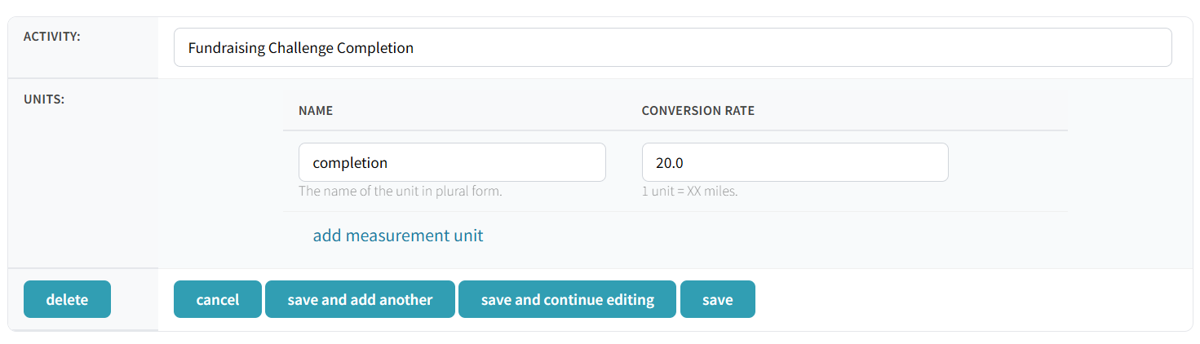
This is the bonus that fires when a racer hits their own personal fundraising goal. Create one activity conversion named exactly Fundraising Challenge Completion. The unit name can be anything (e.g., completion); the Conversion rate is the bonus in miles.
| Activity name | Unit name | Conversion rate (miles) |
|---|---|---|
| Fundraising Challenge Completion | completion | 20 |
Step 3: Racers set their personal fundraising goal
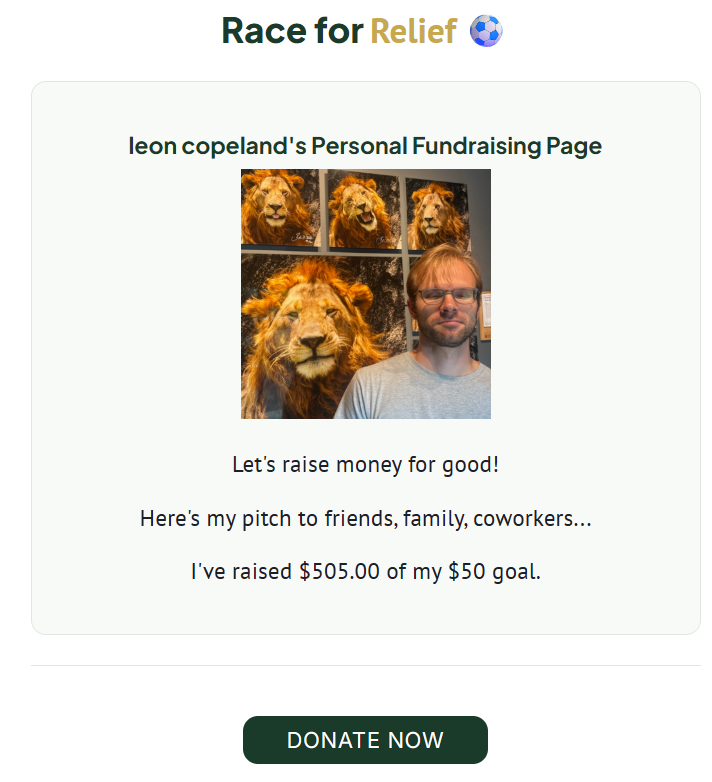
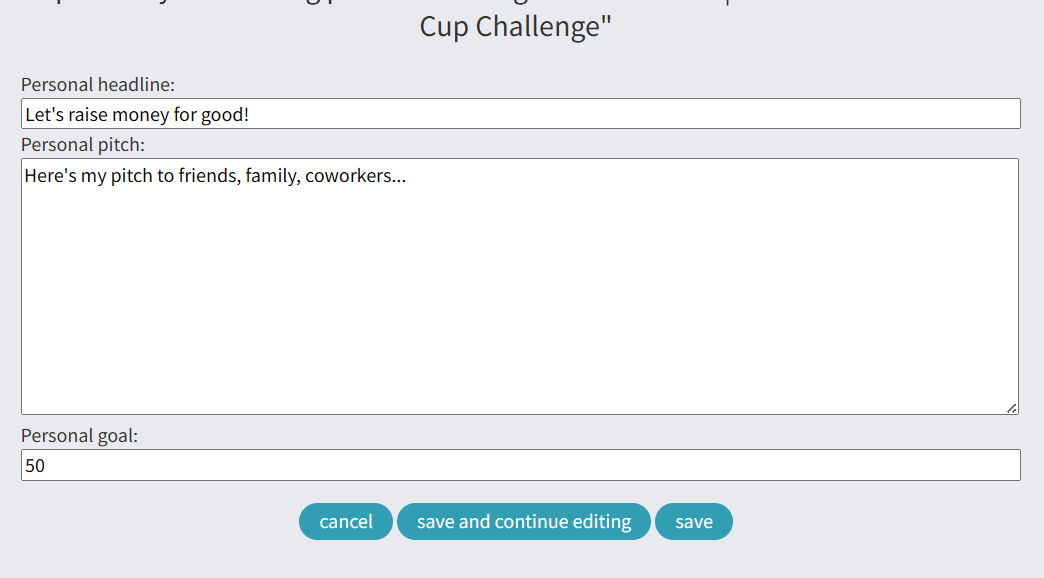
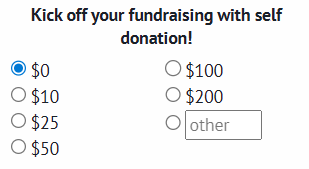
From a racer's fundraising page, click Edit fundraising page and set the Personal Goal field to the dollar amount they're aiming for. When their cumulative total crosses that number, they'll earn the Fundraising Challenge Completion bonus.
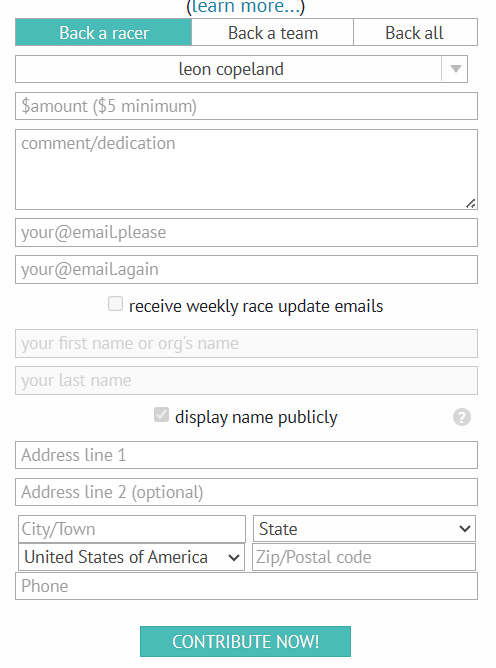
Step 4: Donors contribute via the donation form
Donors use the standard donation form on the race page to back a racer. When the donation completes, any newly crossed tiers fire automatically and the bonus miles are added to the racer's standings.
What racers see when they complete challenges
A single activity-feed entry is generated per donation, bundling every tier crossed. The entry includes the tier labels, the dollar thresholds, and a clickable link back to the donation that triggered the bonus.
All challenges complete — a single large donation that crosses every tier:
Personal fundraising goal reached — a separate entry fires when the racer's total crosses their personal goal:
Testing before your race goes live
To verify tiers fire correctly without making real (refundable) donations:
- Open your race dashboard → Offline Contributions.
- Add a test donation in a racer's name (any amount crossing a tier works — e.g., $25 tests Goals 1 + 2).
- Refresh the race's activity feed. The bonus-miles entry should appear within seconds.
- Check the leaderboard — the racer's position should jump by the bonus distance.
Offline contributions go through the full donation pipeline, so they trigger the same bonus flow as live Stripe donations, without actual payment processing.
Setup rules & notes
- Any activity starting with
Donation Goalcounts as a tier, and the name should include a number (Donation Goal 1,Donation Goal 2). Non-numbered activities are ignored. - The dashboard form accepts values in miles directly (1 unit = XX miles).
- Activity names must be unique within a race — you can't create two
Donation Goal 1entries for the same race. - The personal-goal bonus activity must be named exactly
Fundraising Challenge Completionto be recognized. - Each tier fires exactly once per racer per race. Later donations that don't cross a new threshold don't re-award.
- Refunds: currently a known limitation — if a donation is refunded after a bonus is awarded, the bonus miles stay. Contact Racery to manually remove if needed.
Contact support if you have questions.